 Download
Aes Crypter Lite is a simple yet complete utility designed to encrypt and decrypt files using the lightning-fast AES/Rijndael block cipher algorithm. It runs smoothly on Microsoft Windows operating systems and supports all common file systems, including FAT16, FAT32, exFAT, and NTFS.
About AES:
The Advanced Encryption Standard (AES) is a symmetric-key encryption protocol adopted by the U.S. government. It consists of three block ciphers — AES-128, AES-192, and AES-256 — derived from the Rijndael algorithm. Each variant uses a 128-bit block size, with key lengths of 128, 192, or 256 bits, respectively. AES is one of the most widely adopted and thoroughly analyzed encryption standards in the world.
(source: Wikipedia)
Key Features
Extremely easy to use: after entering a valid password, simply drag and drop your files or folders onto the interface — Aes Crypter Lite will handle the encryption or decryption process automatically and instantly, using minimal system resources.
Supports four block cipher modes:
- ECB – Electronic Codebook (basic, not recommended for sensitive data)
- CBC – Cipher Block Chaining (recommended and widely used)
- CFB – Cipher Feedback
- OFB – Output Feedback
On-the-fly compression: optionally compresses data before encryption or after decryption to save disk space and improve overall security.
Two Editions Available:
- GUI Version: the classic graphical interface, ideal for everyday use.
- CLI Version: a command-line interface, perfect for automation and scripting tasks.
Both versions are fully compatible with each other and can be used interchangeably.
Aes Crypter Vault is the most advanced edition of the Aes Crypter suite — 64-bit only, performance-optimized, and packed with exclusive features. Designed for power users, professionals, and enterprise environments, Vault delivers hyper-fast encryption, full multi-core support, advanced compression, and enhanced file handling capabilities. If you need speed, security and control — Vault is your choice
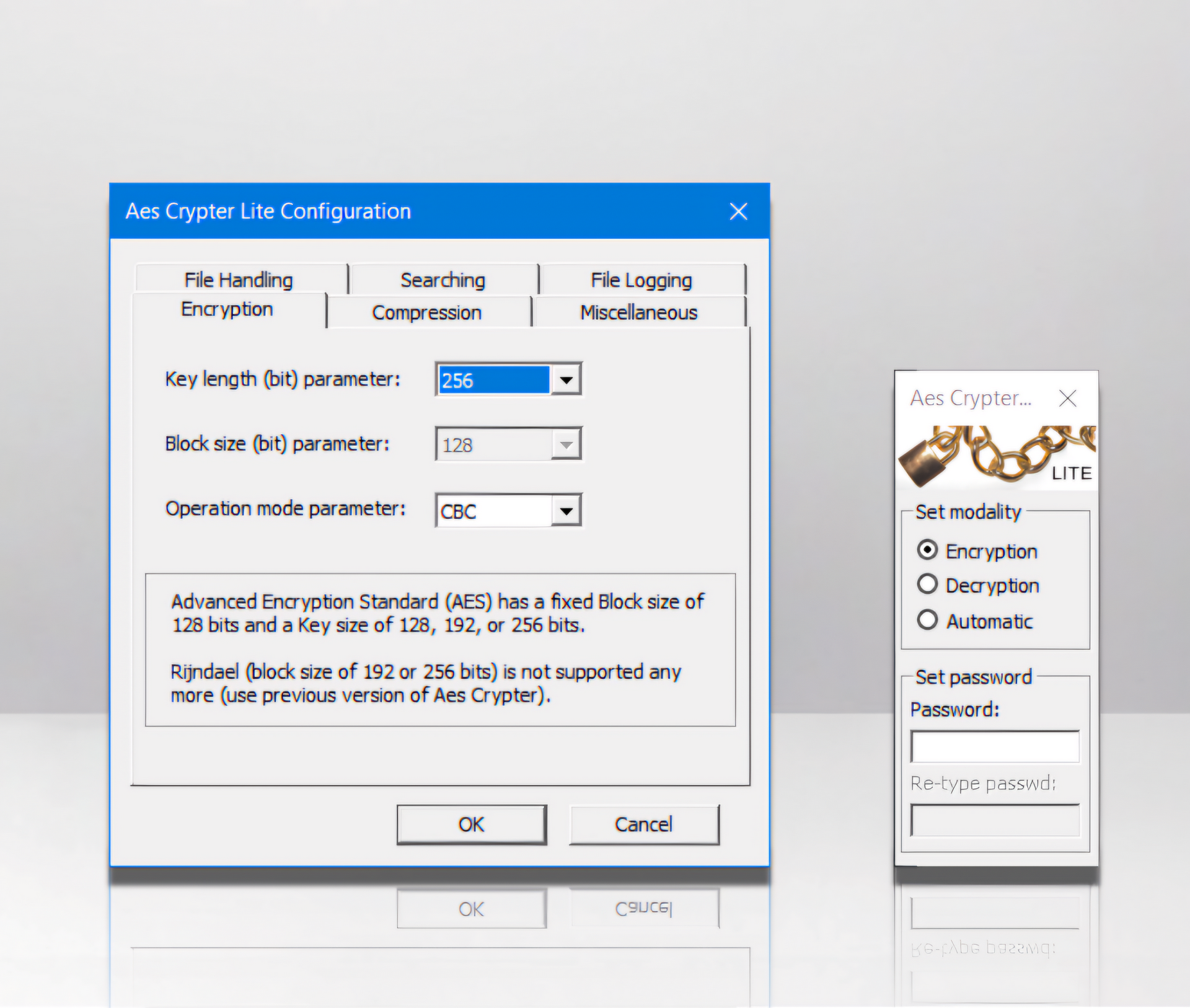
Aes Crypter Lite includes